NextGen - How to get Report on Top Paying Clients ?
1) Click on the statistics and reports icon as shown below and click on financial.
> Click on Statistics and reports.
> Click on Financial.
> Click on Financial.
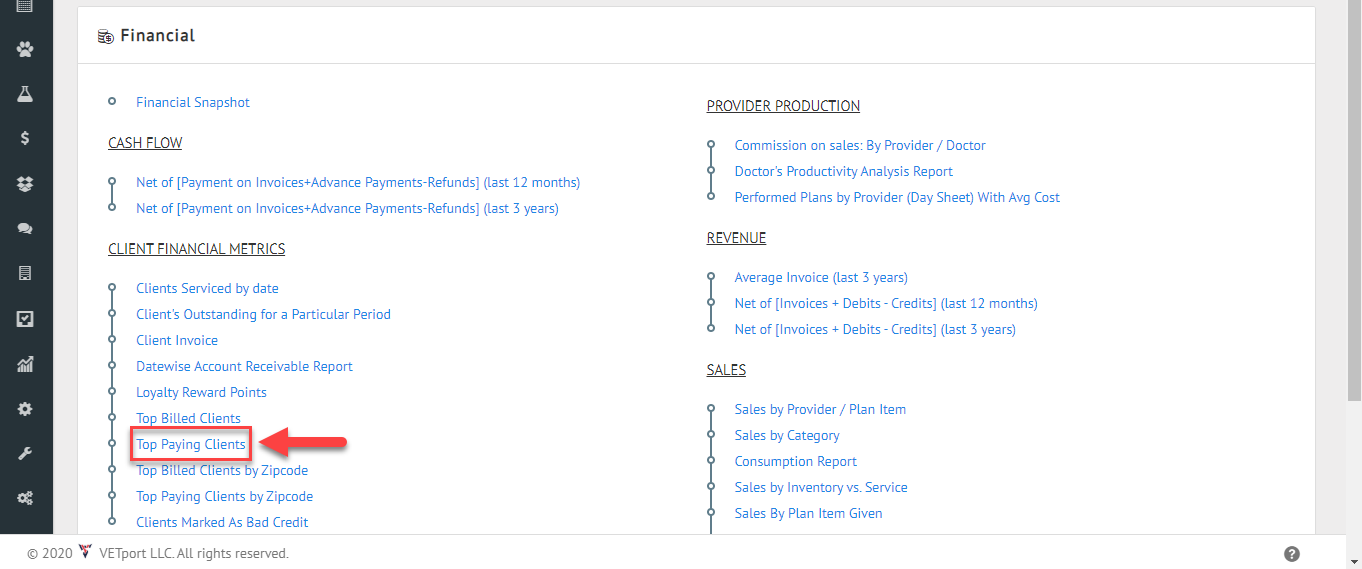
2) Click on Top Paying Clients.
3) Select the dates >> select the clinic name and numbers and click on generate report.